Pixelmator Pro vs Lightroom (2026): Which Photo Editor Wins?
Pixelmator Pro vs Lightroom is a comparison of two very different ideas about photo editing. One is a fast, Mac-native editor you buy once for $49.99. The other is a subscription photo system built around a catalog, cloud sync and presets. Both edit RAW photos well — but the right choice depends on how you shoot, how many photos you edit, and which devices you use. This guide compares them on price, platforms, RAW editing, AI tools, batch editing, presets and design work.
Pixelmator Pro vs Lightroom at a Glance
| Feature | Pixelmator Pro | Lightroom |
|---|---|---|
| Price | $49.99 one-time (Mac App Store) | From $11.99/month (annual, 1 TB) |
| Platforms | Mac only | Mac, Windows, iOS, Android, web |
| Photo library | No catalog — open files one by one | Catalog with ratings, keywords, collections |
| RAW support | 750+ RAW formats | Full RAW pipeline, camera profiles |
| Batch editing | Basic — no sync across hundreds of photos | Copy/paste and sync edits across a whole set |
| Layers | Yes — full layers, masks, text | No layers (use Photoshop for that) |
| Cloud sync | No | Yes — edits sync across devices |
| Presets | Small preset community | Huge preset ecosystem |
| AI tools | Super Resolution, Denoise, background removal | Denoise, Generative Remove, Lens Blur, masking |
What Each App Is Best At
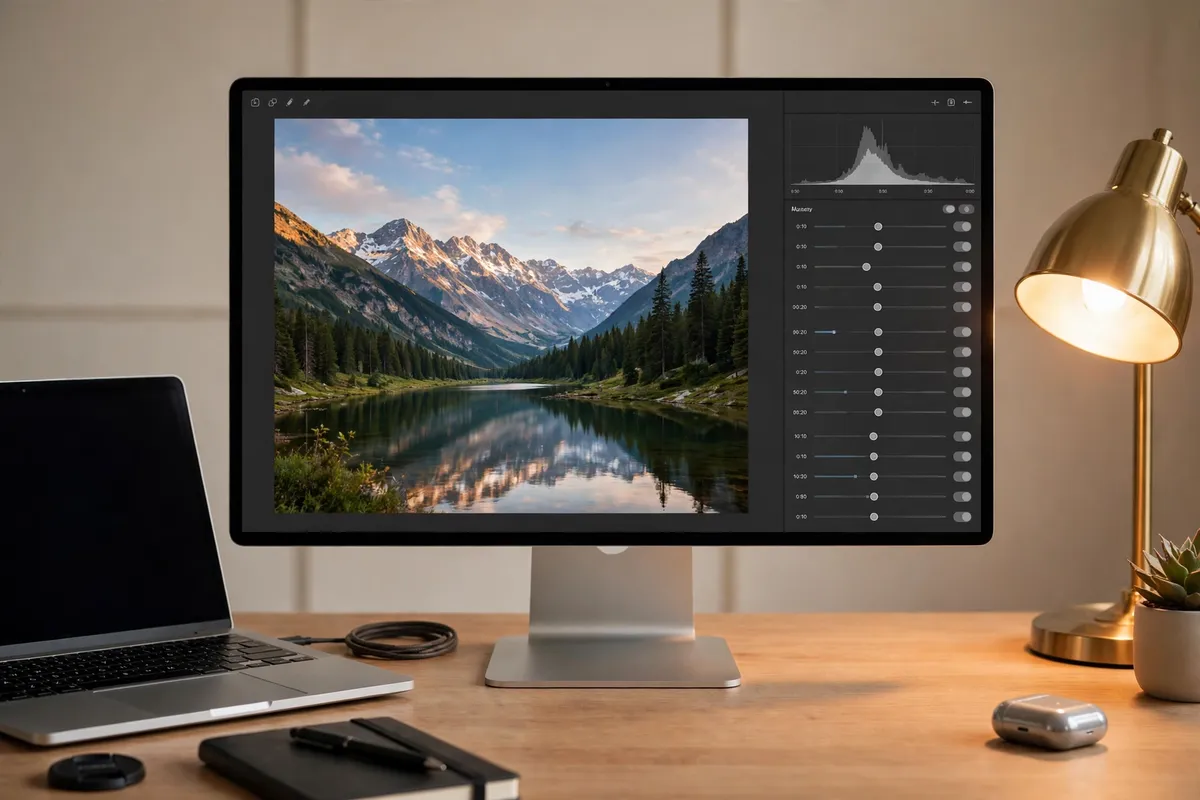
Pixelmator Pro is a Mac-native image editor with layers, masks, text and vector shapes, plus machine-learning tools for upscaling, background removal and repair. Apple bought the Pixelmator team and completed the acquisition in February 2025, and the app still feels like part of macOS: fast on Apple Silicon, with a clean interface and no subscription to manage.
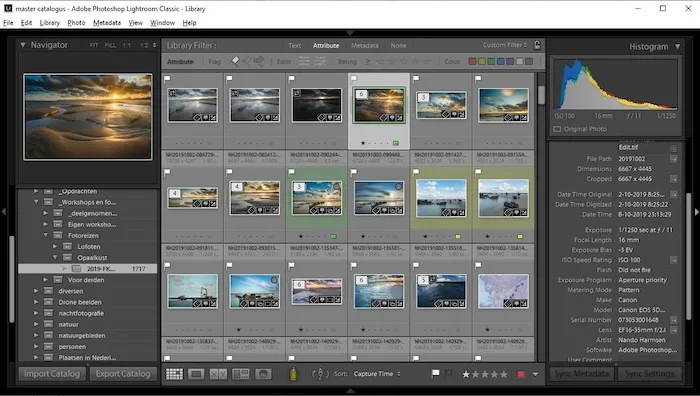
Lightroom is a photographer’s system, not just an editor. It imports, organises, edits and exports whole shoots: culling with flags and ratings, keywords and collections, non-destructive edits that sync from phone to desktop, and one-click presets that give hundreds of photos a consistent look.
The short version: Pixelmator Pro is better at finishing one image. Lightroom is better at managing and editing hundreds of them.
Price: $49.99 Once vs $11.99 a Month
Price is the biggest reason people look at Pixelmator Pro, and the maths is simple. Pixelmator Pro costs $49.99 once on the Mac App Store — no subscription, no renewal, and the app keeps working. Lightroom costs from $11.99 a month on the annual plan (1 TB of cloud storage), and the Photography plan with Photoshop costs $19.99 a month.
At $11.99 a month, Pixelmator Pro pays for itself in just over four months; against the $19.99 Photography plan, in about two and a half. Over three years, Pixelmator Pro costs $49.99 while Lightroom costs about $432 at the $11.99 rate.
There is one wrinkle. Apple also sells Pixelmator Pro inside Apple Creator Studio — $12.99 a month or $129 a year, bundled with Final Cut Pro, Logic Pro, Motion, Compressor and MainStage — and the subscription version has received some newer tools first. If you only edit photos, the $49.99 one-time purchase is the better deal.
Platforms: Mac Only vs Everywhere
Pixelmator Pro runs on Mac only. There is no Windows version and no Android version, and Apple says the iPad version comes with the Creator Studio subscription. If you edit on a Mac and only a Mac, that is fine. If you ever edit on Windows, or start an edit on your phone and finish it on your computer, Pixelmator Pro cannot follow you.
Lightroom runs on Mac, Windows, iOS, Android and the web, and your edits sync between them. You can cull a shoot on your phone and finish it on your desktop without moving a file. For photographers who work across devices, this alone can decide the comparison. Before choosing Pixelmator Pro, check that your Mac runs a supported macOS version — the one-time release needs macOS 12 or later, while the newer subscription release needs macOS 26.
RAW Editing and Photo Management
Both apps edit RAW files properly. Pixelmator Pro opens 750+ RAW formats and lets you adjust exposure, white balance and colour before the file becomes a layered document. Lightroom’s RAW pipeline is deeper: camera-matching profiles, lens corrections for hundreds of lenses, and non-destructive edits.
The real difference is what happens around the edit. Lightroom is built for volume: import a thousand photos, flag the keepers, keyword them, apply one preset to the whole set and export. Pixelmator Pro is document-first — you open a file, edit it, and save it. There is no catalog and no way to find “all portraits from last summer” in seconds.
Batch editing shows the gap most clearly. In Lightroom you can copy an edit from one photo and paste it across an entire shoot in seconds — see our guide to batch editing in Lightroom. In Pixelmator Pro there is no equivalent: each image is edited on its own.
AI Tools Compared
Both apps have useful machine-learning tools, but they aim at different jobs. Pixelmator Pro offers Super Resolution (upscaling), Intelligent Denoise, one-click background removal, the Repair tool for removing objects, and Auto Enhance. They run fast on Apple Silicon and cover most everyday fixes in one click.
Lightroom’s AI is built for photographers with a lot of photos. Denoise cleans up high-ISO RAW files, Generative Remove erases objects and rebuilds the background, Lens Blur adds portrait blur, and AI masking selects skies, subjects and backgrounds in one click.
Presets: Lightroom’s Biggest Advantage
Presets are where Lightroom pulls furthest ahead. Lightroom has the largest preset ecosystem of any editor: thousands of free and paid presets, one-click looks, and Adaptive Presets that adjust themselves to each photo. Our own Lightroom vs Photoshop comparison makes the same point — Lightroom’s strength is a consistent look across many photos, fast.
Pixelmator Pro has presets too, but the community is far smaller and most Pixelmator Pro users build their look from layers and adjustments instead. If your style depends on presets — film looks, vintage tones, moody portraits — Lightroom is the natural home for them.
Layers, Design and Compositing
This is the one area where Pixelmator Pro clearly wins. Lightroom has no layers at all. If you need to combine images, add text to a photo, design a poster, or cut out a subject and place it on a new background, Lightroom cannot do it — Adobe expects you to send the photo to Photoshop.
Pixelmator Pro does all of that in one app: full layers with masks and blending modes, text tools, vector shapes, and solid PSD support for files coming from Photoshop. If your work is half photography and half design — thumbnails, social graphics, posters — Pixelmator Pro replaces two apps. For a straight comparison of the design-heavy alternative, see our Affinity Photo vs Lightroom guide.
Which Should You Choose?
Choose Pixelmator Pro if: you edit on a Mac only, you edit one photo at a time, you want layers, text and design tools in the same app, and you want to pay once and never think about subscriptions again.
Choose Lightroom if: you shoot RAW in volume, you edit across phone, tablet and computer, you rely on presets and batch editing, or you need a searchable catalog of thousands of photos.
Use both if: you are a Mac user who shoots a lot. Keep Lightroom for organising, culling and batch edits, then send your best shots to Pixelmator Pro for layered retouching and design.
There is no single winner in Pixelmator Pro vs Lightroom — the right app is the one that matches how you actually work.
Frequently Asked Questions
Is Pixelmator Pro better than Lightroom?
It depends on the job. Pixelmator Pro is better for layered editing, design work and one-off retouching on a Mac, and it costs far less. Lightroom is better for RAW photography at volume, batch editing, presets and cloud sync. Neither is better at everything.
Can Pixelmator Pro replace Lightroom?
For casual editing, yes — it edits RAW files, has strong AI tools and costs $49.99 once. For photographers who shoot hundreds of photos per session, no: it has no catalog, no batch sync and no mobile workflow.
Is Pixelmator Pro really a one-time purchase?
Yes. The Mac App Store version costs $49.99 once and keeps working without further payment. Apple also offers Pixelmator Pro inside the Creator Studio subscription ($12.99 a month or $129 a year), which is a separate, newer listing.
Does Pixelmator Pro work on Windows?
No. Pixelmator Pro is Mac only (with an iPad version in the Creator Studio subscription). There is no Windows or Android version — Lightroom runs on both.
Which is better for beginners?
Pixelmator Pro is easier to learn for general editing: the interface is clean and most fixes are one click. Lightroom takes longer to learn because of the catalog and import system, but its presets make good results faster once you are set up. Beginners who shoot on their phone should start with Lightroom; beginners on a Mac who want to design should start with Pixelmator Pro.
For a deeper look, read Skylum’s Pixelmator vs Lightroom comparison.